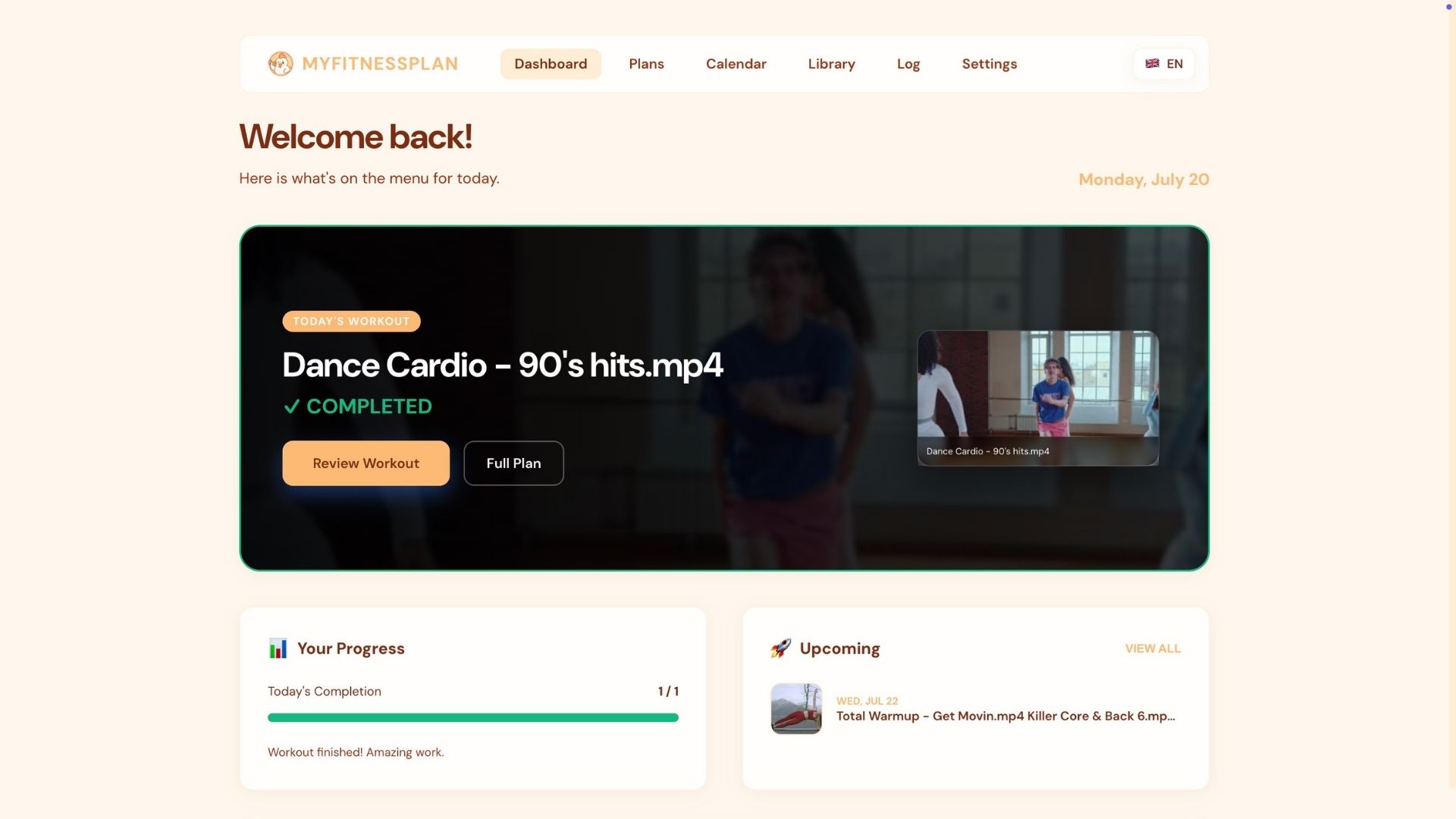
MyFitnessPlan keeps the workout videos, plans and schedules you've collected over the years in one place — on your own computer. No subscription, no ads, nothing in the cloud. It works offline and fits the way you train.
Free, forever. No account, no cloud, no subscription — it runs on your own computer. Rather build it yourself?

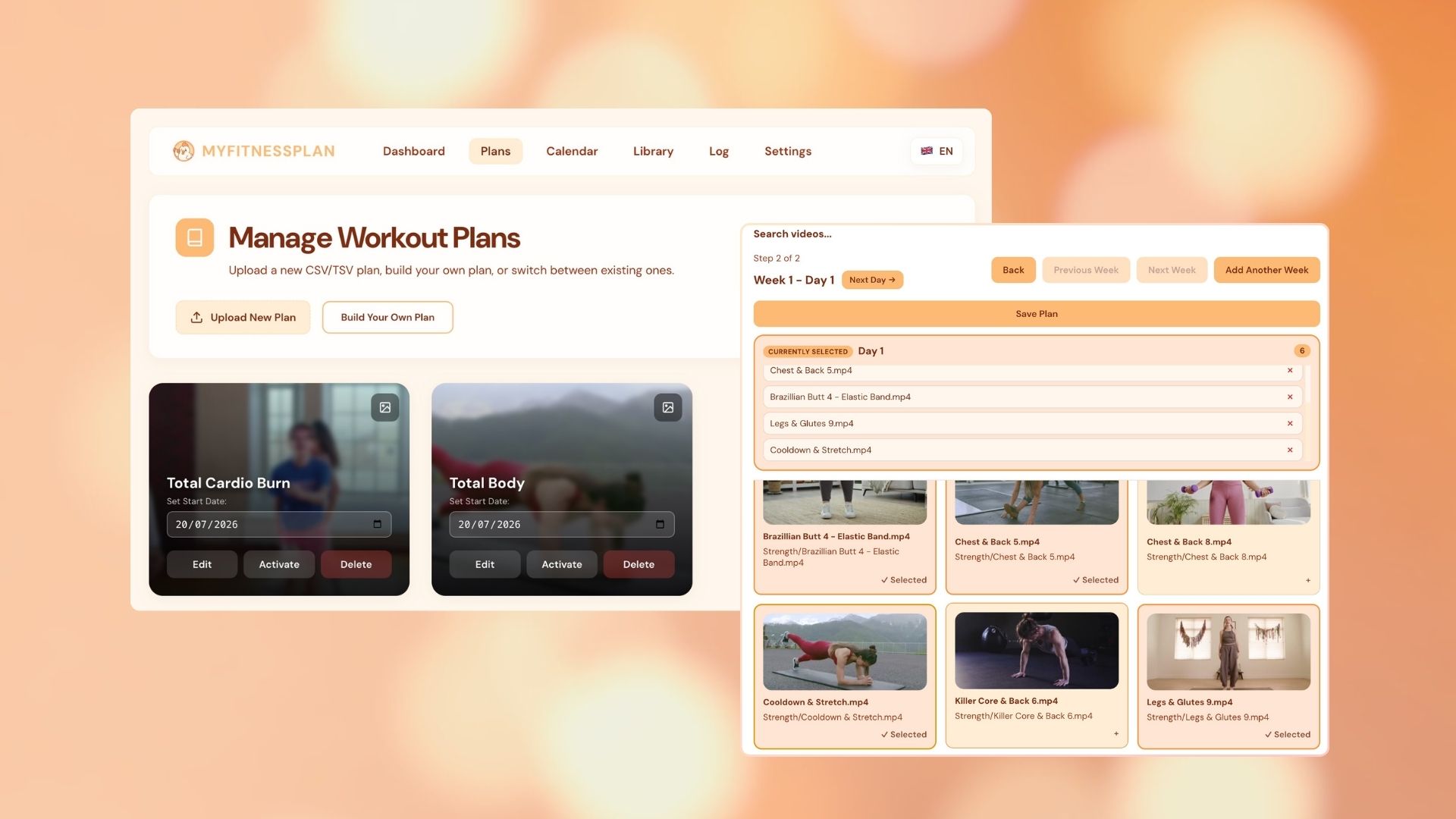
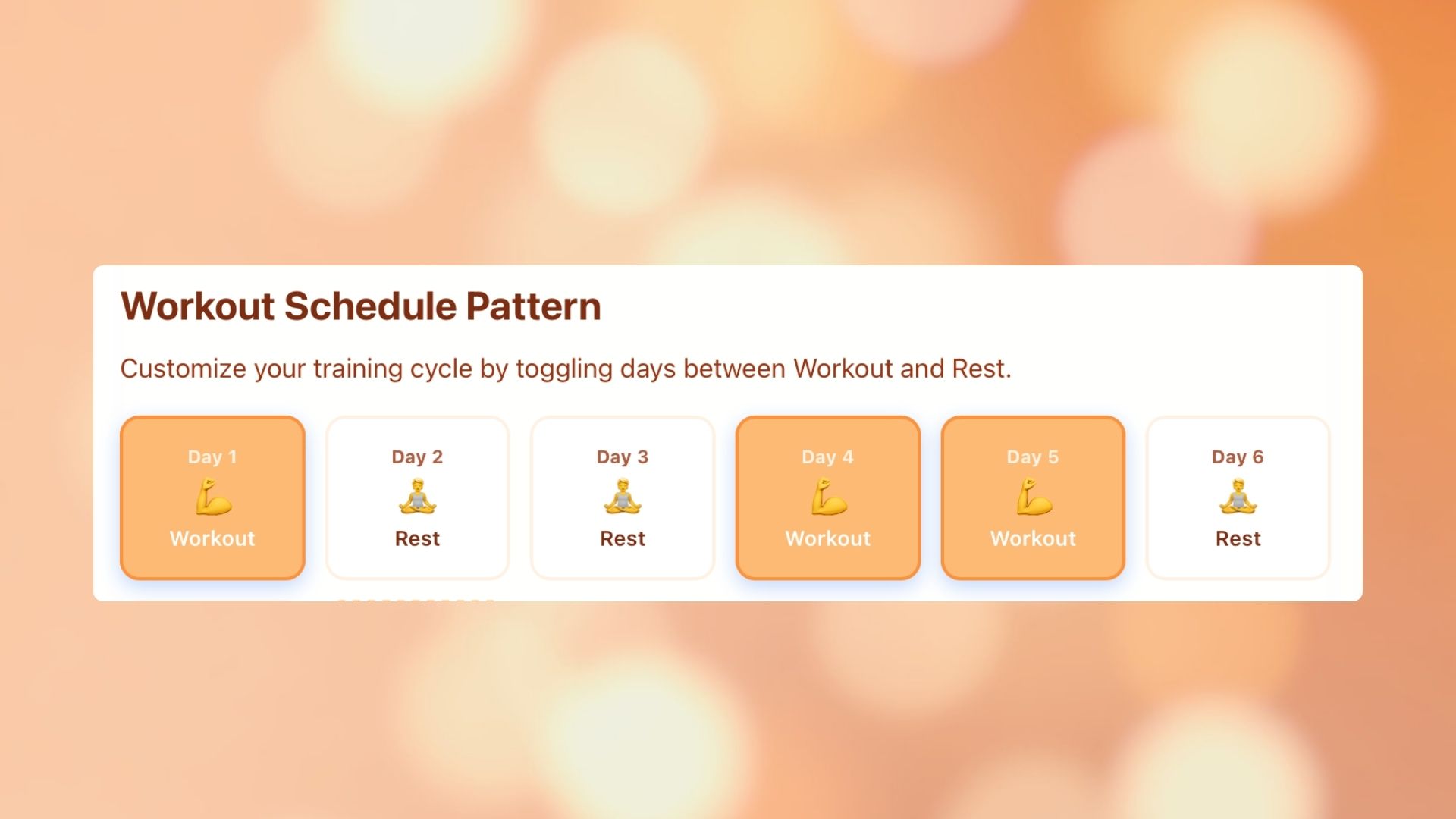
Most fitness apps hand you their routines and a Monday-to-Sunday grid. Here you build your own plans and train on your own rhythm — three days on, one off, or whatever suits you.
Build plans from your own videos, edit them, and switch when your focus changes. You can run a second, shorter plan next to your main one, and give each plan its own rhythm of training and rest days — or let it follow the one you set once in settings.
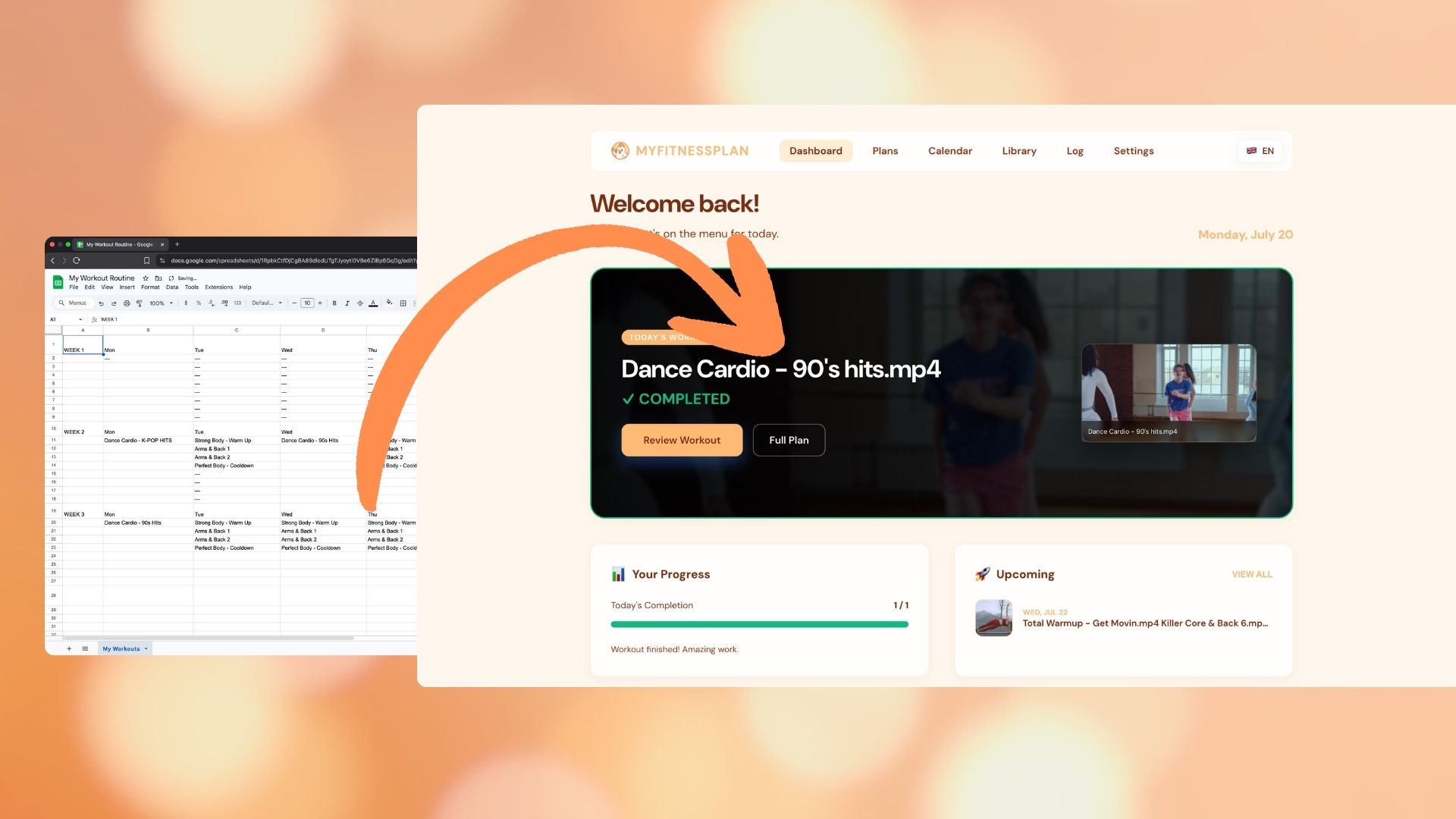
Bring a plan in from a CSV or TSV file — the same kind of sheet you'd make in Excel or Google Sheets. Then edit it in the app like any other plan.
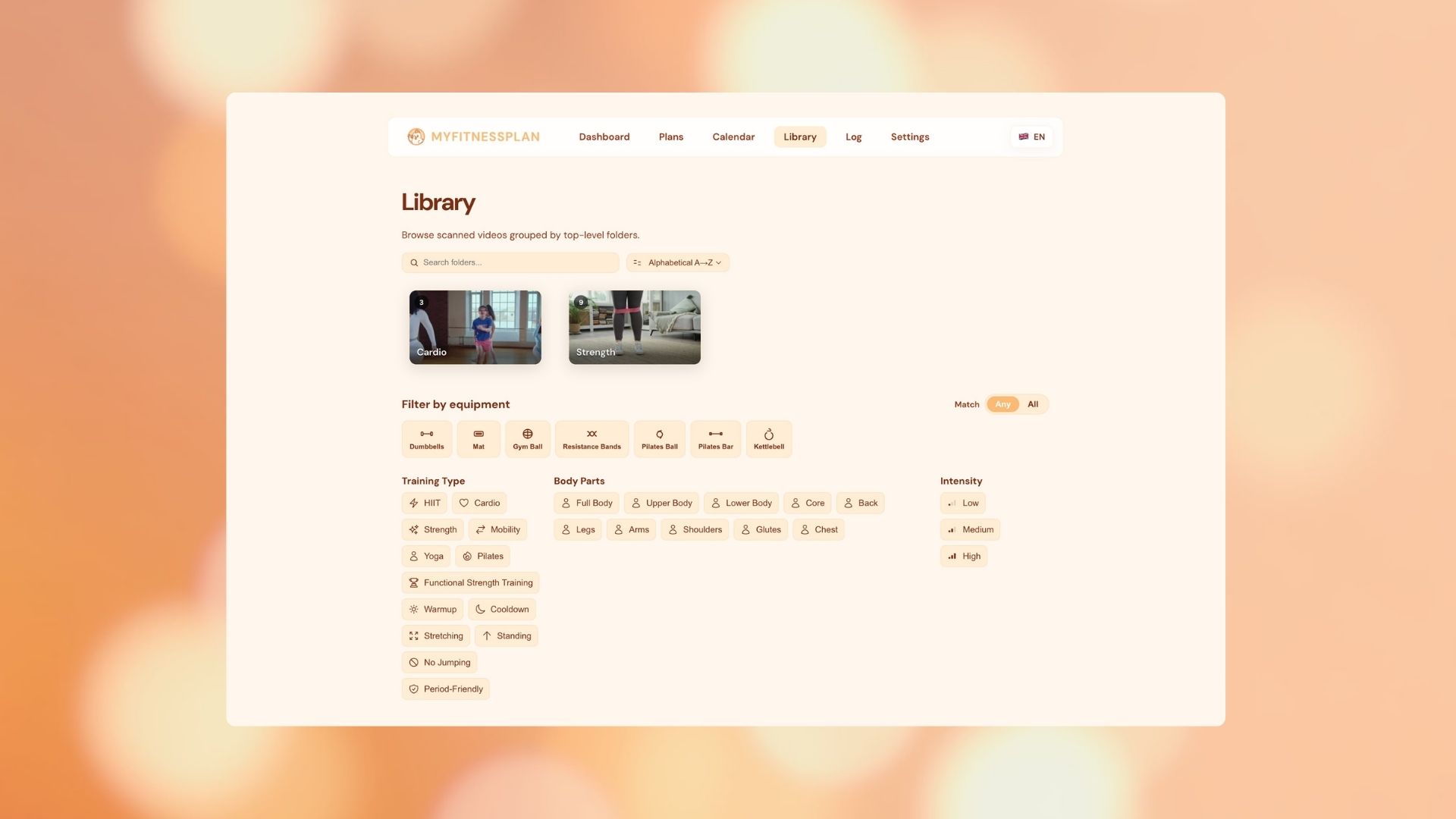
Point MyFitnessPlan at the videos already on your drive and it gathers them into one library — with a player, tags, filters and a search box that finds any workout in seconds. Nothing is uploaded; nothing leaves your computer.
Train three days on and one off, or any other rotation you like — and each plan can keep its own. The app fits around you, the way it should.
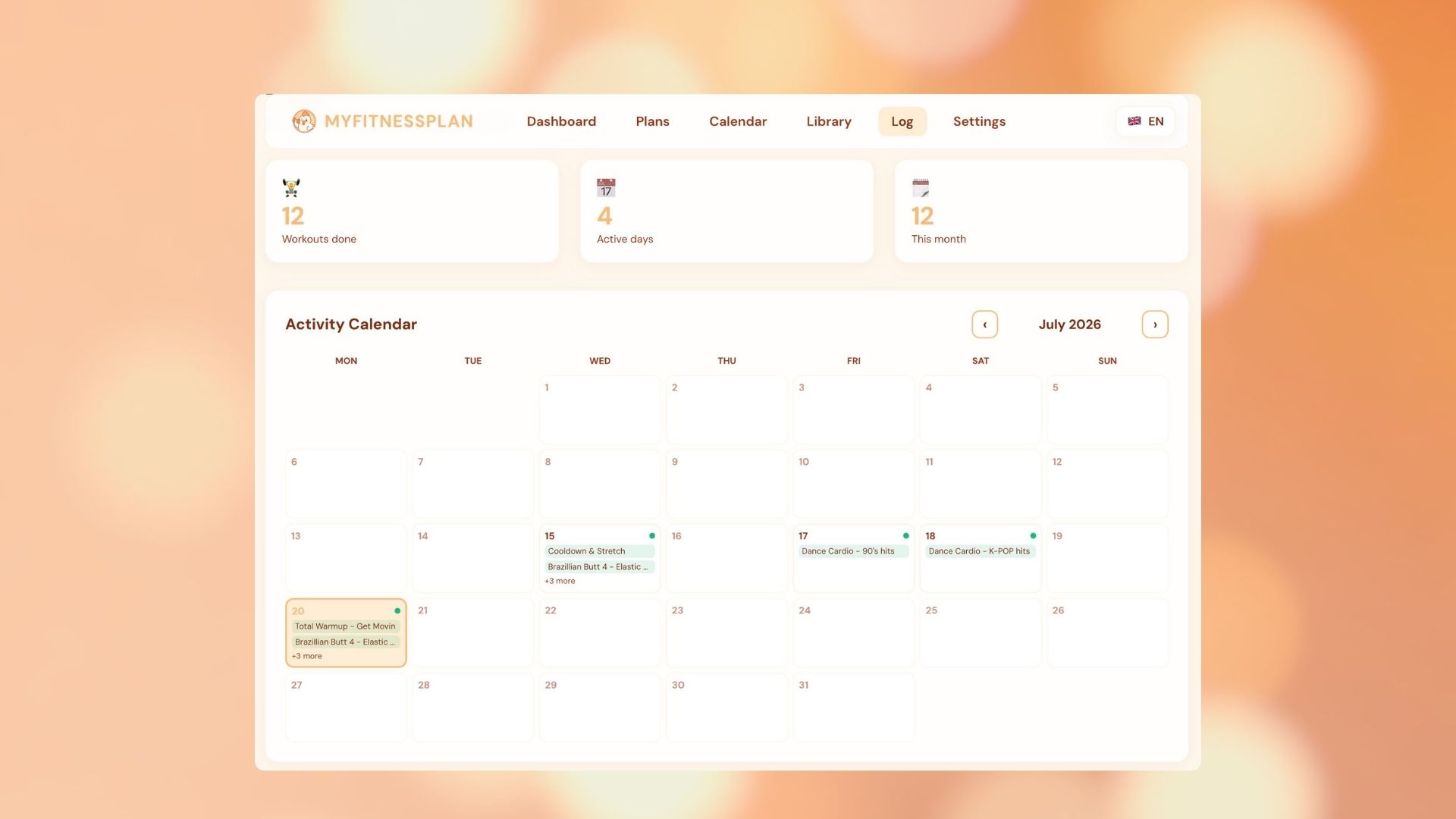
Mark individual videos done within a session. Add past workouts to your log. Your calendar reflects exactly what you did.
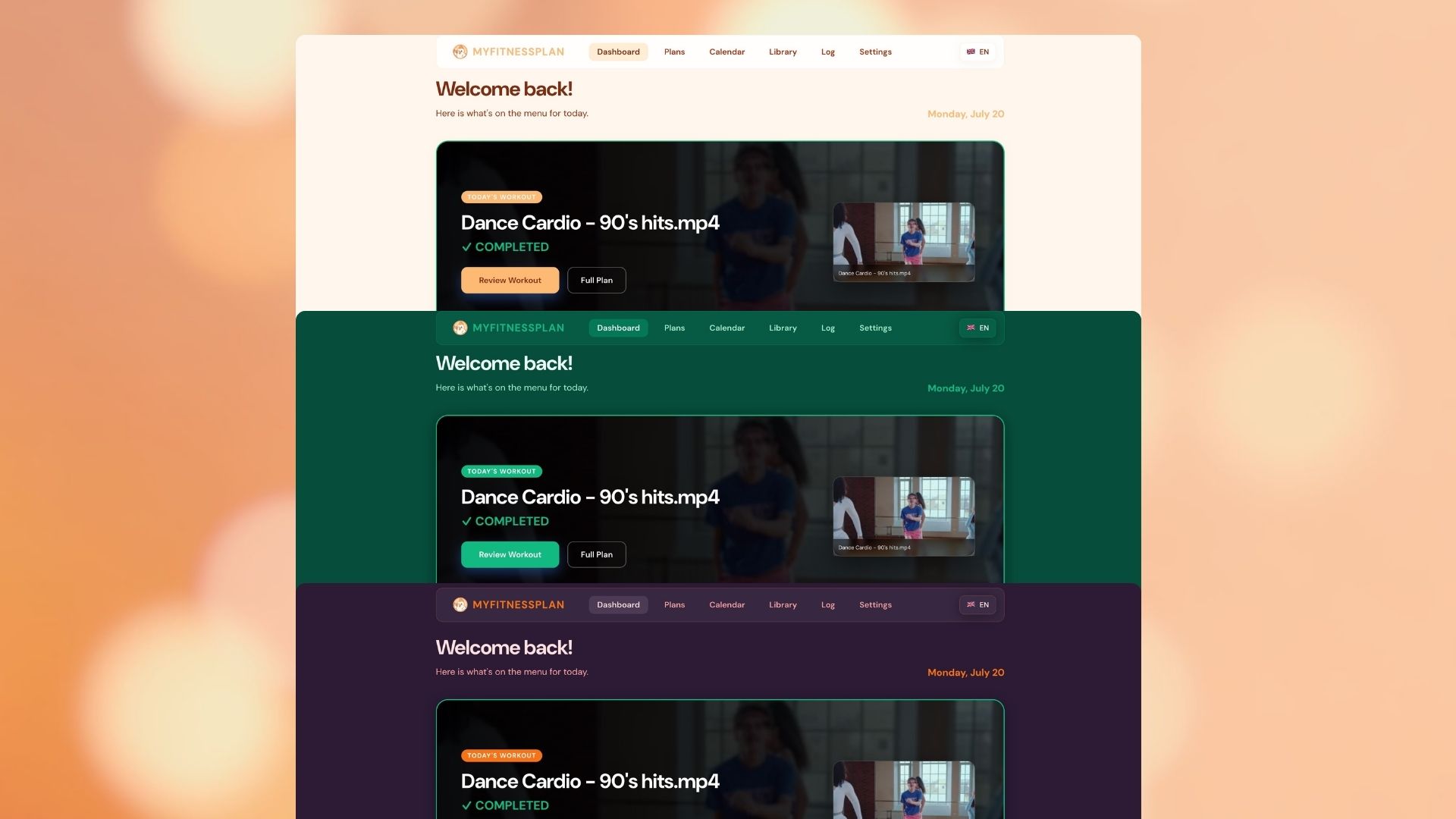
Pick a colour theme and set the app up the way you like it. It's your library, on your computer — it should look that way too.
I've always preferred working out at home using workout videos. Over the years, the way we access fitness content has changed — from collecting DVDs and CDs, to storing hundreds of downloaded videos across endless folders, to today's subscription-based platforms.
But one problem has remained the same: managing your own workout library is unnecessarily difficult. And a new problem arrived — you no longer own your videos. You rent them, usually only "allowed" to use them while connected to the internet, locked into an app's ecosystem.
Many people have spent years collecting workout videos, building personal libraries, and finding routines that work for them. Yet there are very few tools designed to help organize and use that content.
MyFitnessPlan is my answer to that.
Installers for Mac and Windows are right below. If you'd rather run the code yourself, clone the repo and start it in dev mode, or build your own desktop app.
Dev mode — run from source
Build a desktop app from source
Requires Node.js. The finished app lands in the project's release folder once the command completes.
Loop a single video for a set number of passes, with rest between each one. Freeze a stretch of days — sick, travel, just a break — and the workouts that would've fallen there wait for the next open day instead of being skipped. And a new "Day Tape" view lets you browse the calendar as a horizontal strip of days. Install it over your current version — your data stays exactly as it is.
Download the Mac or Windows installer, or take the code and make it your own. Forks and contributions are always welcome.